Security
VSRelay gives a phone control over an AI coding agent running inside your editor. That is a privileged channel, and it deserves a security page written for engineers — claims you can check, not adjectives. Below is exactly what protects that channel today, and exactly what is still on the roadmap.
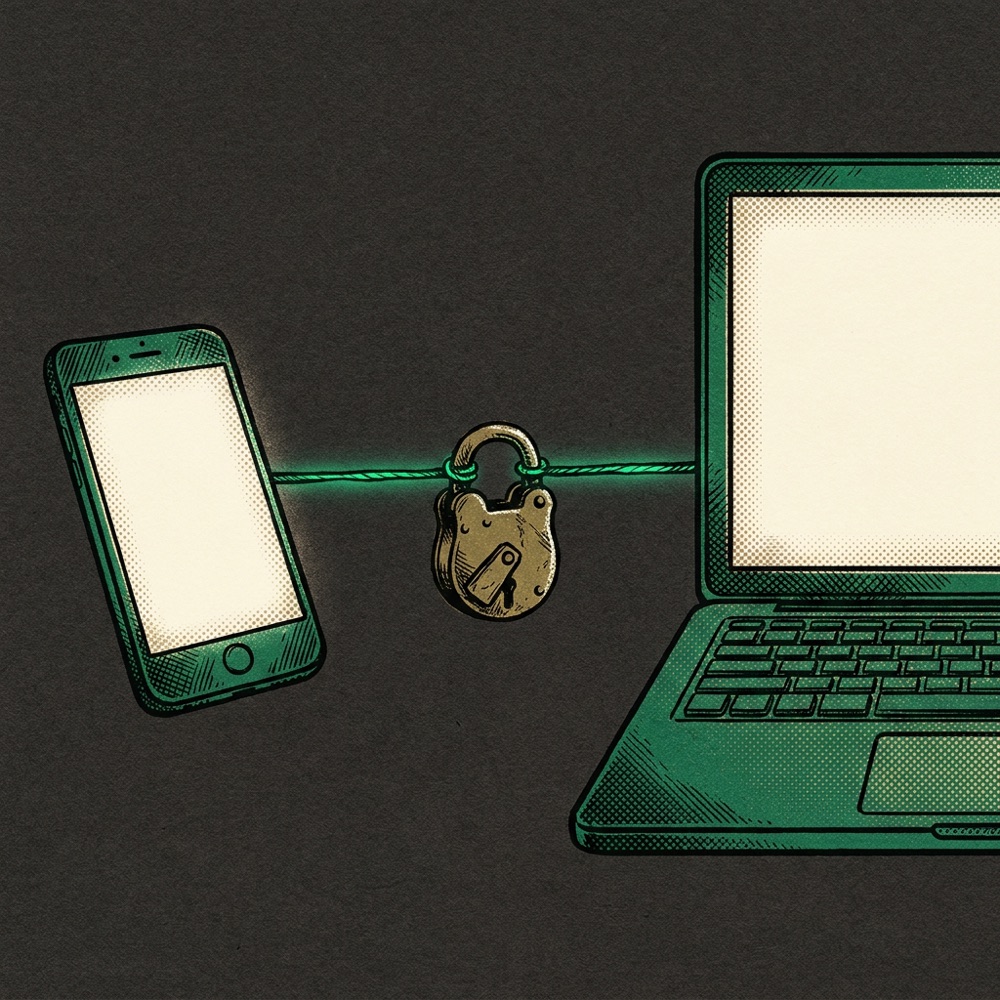
Our one rule: we do not claim crypto we have not shipped. Today your traffic is encrypted in transit (TLS) and your tokens are stored only as hashes — but our cloud relay terminates TLS, so it is technically capable of seeing traffic as it passes through. True end-to-end encryption — where even we cannot read your traffic — is the next milestone on our roadmap, not a box we pretend is already checked. A security page that overstates is worse than one that is candid. This one is candid.
The shape of the system
Your code, your files, and your editor state stay on your machine. The phone is a viewport and a set of controls; it does not hold your repository. What crosses the wire is the control channel: the prompts you send, the agent's responses, the specific file or terminal contents you ask to see, and the actions you approve. VSRelay is a remote control, not a remote disk.
Encryption in transit
Every connection that leaves your device is TLS-encrypted: the web app is served over HTTPS, and the phone↔editor link runs over secure WebSockets (wss://). In cloud mode, TLS is terminated at our relay (relay.vsrelay.dev) by a hardened reverse proxy. This protects your traffic against anyone on the network path between you and the relay. It does not make the relay blind to your traffic — that property is end-to-end encryption, which we describe honestly under Trust model & roadmap.
Authentication & room admission
- Account sign-in uses OAuth (PKCE)You sign in with GitHub or Google through your system browser using the PKCE authorization-code flow — no password is ever handled by VSRelay.
- Rooms are admission-controlled by token hashBefore a single message is forwarded, every connection is authenticated: the relay computes the SHA-256 hash of the presented token and compares it to the stored hash for that room. A mismatch is rejected and the socket is closed. Connections that do not authenticate within five seconds are dropped. Admission fails closed — when in doubt, access is denied.
- One editor per roomA room is keep-first: once your editor holds it, a different editor instance cannot silently take it over — it is rejected with an explicit reason.
Token & secret handling
- Tokens are high-entropy and random. Generated with a cryptographic RNG (
crypto.randomBytes), not guessable strings. - We store only hashes, never raw tokens. Our relay and database keep a SHA-256 hash of your device and editor tokens. The raw token never leaves your devices and is never persisted server-side.
- On-disk config is owner-only. The local configuration file is written with
0600permissions inside a0700directory. - Native uses the OS Keychain. On iOS, credentials live in the system Keychain, scoped to the device and not synced to iCloud. In the web app, credentials live in the browser's local storage for that single origin.
- Only public keys ship to clients. Apps carry the publishable API key alone; the privileged service key never ships in any client and never reaches your phone.
What we store — and what we don't
VSRelay is built to hold as little of your data as possible.
- The relay persists no message bodiesIt is a transparent forwarder. It keeps a short in-memory buffer so a reconnecting phone can catch up, and writes no prompts, no agent output, no file contents, and no terminal data to disk.
- The database holds identity and routing metadata onlyYour account record, room metadata (room id, relay URL, label, last-seen), and token hashes. No prompts, no code, no file contents.
- Row-level security, owner-scopedEvery table enforces row-level security: a signed-in user can read and write only their own rows. You cannot see another account's rooms or devices, by construction at the database layer.
What we log
Diagnostics are local-only — written to a file on your machine, never uploaded unless you choose to send an excerpt to support. Every log line is passed through a redactor at write time. The following are never written to the log:
- Auth tokens (reduced to a
<4>…<4>stub). - Raw prompts and model output (kept as type markers only).
- File contents and file hashes (byte counts only).
- Terminal keystrokes (replaced by length + a one-way hash; the bytes are dropped).
- SSH public-key bodies (reduced to a length).
- Workspace paths, usernames, and home-directory paths.
The redaction rules are covered by dedicated tests that assert a known secret placed in a message never appears in the serialized log. See the full inventory in our Privacy Policy.
Code & filesystem safety
- Allow-listed shell commands. Remote command execution is restricted to a small, fixed allow-list — not an open shell.
- Deny-by-default actions. A phone may invoke only VSRelay's own namespaced editor commands; anything else is rejected.
- Workspace sandboxing. File reads and writes are confined to the open workspace with strict path-boundary checks, so directory-traversal tricks (
../) cannot escape the project root. - Patches require on-device consent. When VSRelay needs to repair its Claude Code integration, it asks for explicit approval in a desktop dialog before writing anything. It never patches silently.
SSH key setup
The SSH wizard handles public keys only. It rejects any input containing a private-key block before it is processed — there is no message in the protocol that can carry a private key. It refuses to touch ~/.ssh when the directory or authorized_keys permissions are wrong (and it will not silently "fix" them), refuses a symlinked authorized_keys (a known bypass vector), and writes atomically with a one-time backup.
No remote code execution
The apps fetch data, never executable code. New behavior ships as new data shapes the existing, already-reviewed client understands — never as downloaded scripts run on your device. This is a hard architectural line: recovery flows, action cards, and compatibility information all travel as descriptive data the client renders, not as logic it executes.
Trust model & roadmap
VSRelay is designed to run across several trust tiers. We will tell you plainly which is live today.
- Trusted cloud relay — today's defaultTLS in transit, authenticated room admission, hashed tokens, no content persisted. The relay routes by room and does not parse your content for any product purpose — but because TLS terminates at the relay, it is technically capable of reading traffic in transit. We treat that capability as a limitation to remove, not a feature.
- End-to-end encrypted relay — roadmap, not shippedThe next milestone: the phone and your editor establish keys directly, so the relay carries only ciphertext and even we cannot read your traffic. This is designed but not yet built. Until it ships, we will not describe VSRelay as "end-to-end encrypted."
- Bring-your-own relayThe relay is self-hostable. Run it on your own infrastructure and VSRelay's servers are never in the path.
- LAN-onlyConnect the phone directly to your editor over your local network, with no relay and no cloud in the path at all. (On a plain LAN this hop is not itself TLS-encrypted; it is protected by your network boundary and the room token — front it with your own TLS if you need transport encryption there.)
Reporting a vulnerability
If you believe you've found a security issue, please email support@vsrelay.dev with "SECURITY" in the subject. Please give us a reasonable window to investigate and ship a fix before public disclosure; we will acknowledge your report and keep you updated. We do not pursue legal action against good-faith research conducted without harming users or their data.
Related
- Privacy Policy — what is collected, the full redaction inventory, and your data rights.
- EULA and Terms.
- Production deployment architecture — the trust-tier model in technical depth.
Security contact: support@vsrelay.dev · Data protection: legal@vsrelay.dev